01
Stay with the person, not your notes
BastCare asks for consent before recording. Let BastCare capture the visit while you listen, ask questions, and hold a hand.
BastCare · Now available
There is a lot going on at the doctor’s. BastCare holds onto what happened, what matters, and what comes next—so you can look up, listen, and be there for the person beside you.
Free to download.
You do not have to be the one who remembers
BastCare asks for consent before recording. Be present for the conversation. Come back to a clear summary, then keep it private or share the version you approve with your CareTeam.
01
BastCare asks for consent before recording. Let BastCare capture the visit while you listen, ask questions, and hold a hand.
02
Review what happened, the key points, and what comes next when you are ready—without relying on memory alone.
03
Keep a visit private or share the summary you approved with the people you trust. The transcript stays on your iPhone.
Read it in your language
Saved summaries are available in seven languages. The translation saves on your iPhone, and the original transcript stays unchanged.
BastCare translates the saved summary, not the recording or the app interface. AI-generated summaries and translations may contain errors; check important details.
What’s new in BastCare
Check the source
How This Summary Was Made places the summary wording beside the source words and points back to the matching place in the saved transcript when timing is available.
It is a simple way to check an important detail, feel confident sharing it, and glimpse the personalized, patient-held intelligence Bast is building toward.
How this summary was made
Summary wording Schedule the follow-up in six weeks. Source words“Let’s see you again in about six weeks.”
Audio 18:42–18:47
Fictional example. Source wording helps you check the summary; it is not medical advice.See BastCare in action
Pause on the details that matter to you. The video at the top of this page shows the whole journey.
Explore the details
Swipe through recording, summaries, seven-language translation, exporting, and private sharing.
1 of 8Swipe or use the arrows
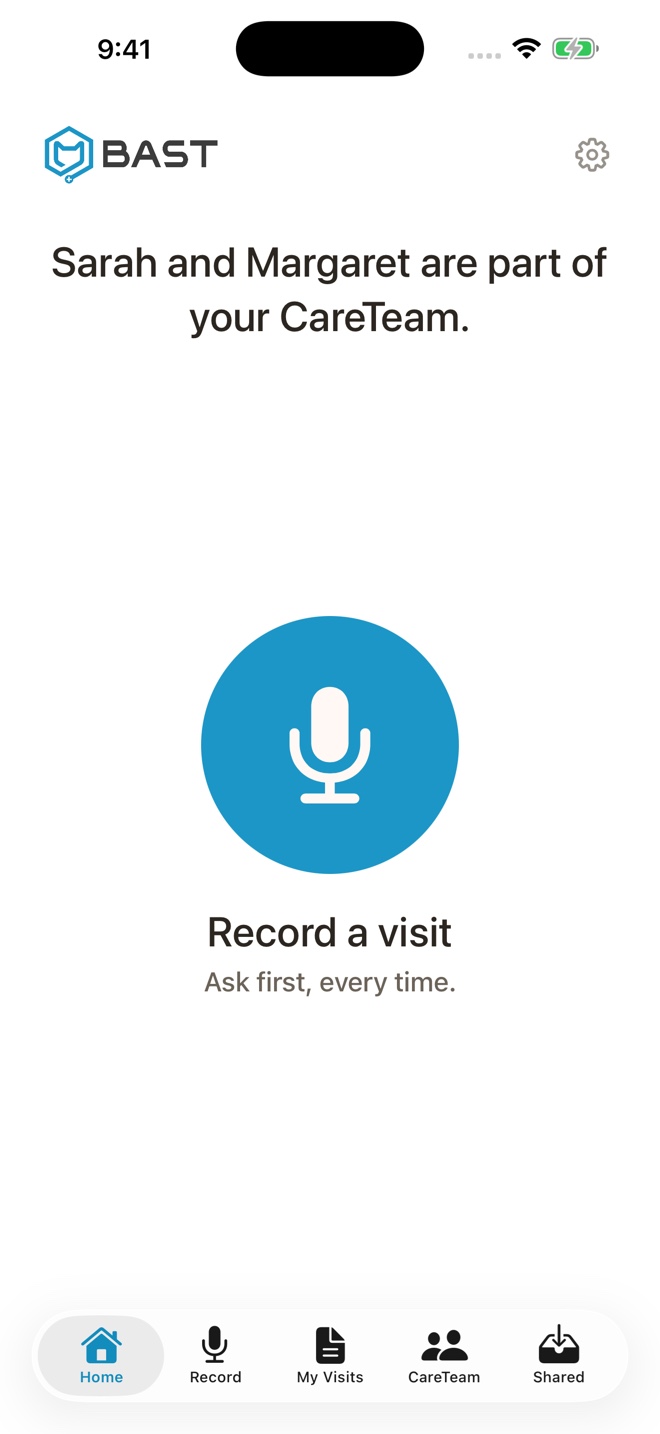
The refreshed home screen keeps your next action clear and your private visits close at hand.
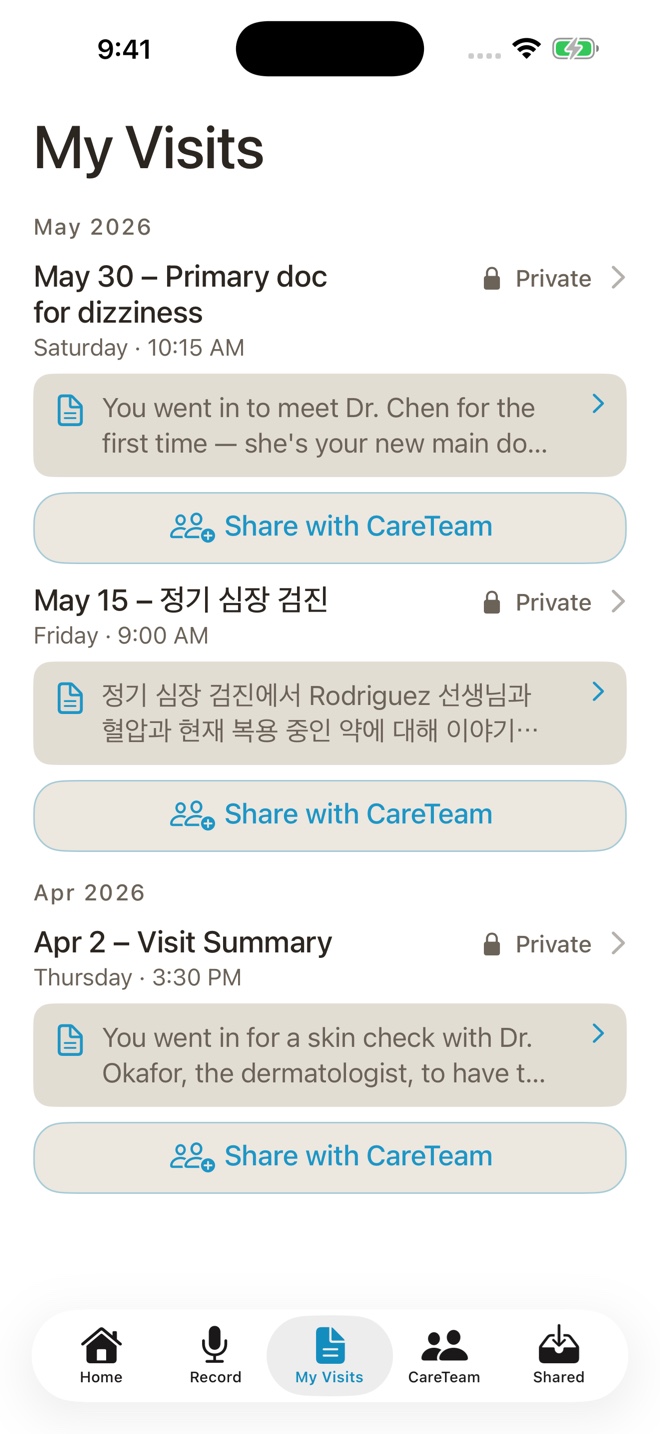
My Visits brings each saved conversation into a cleaner view that is easy to scan and revisit.
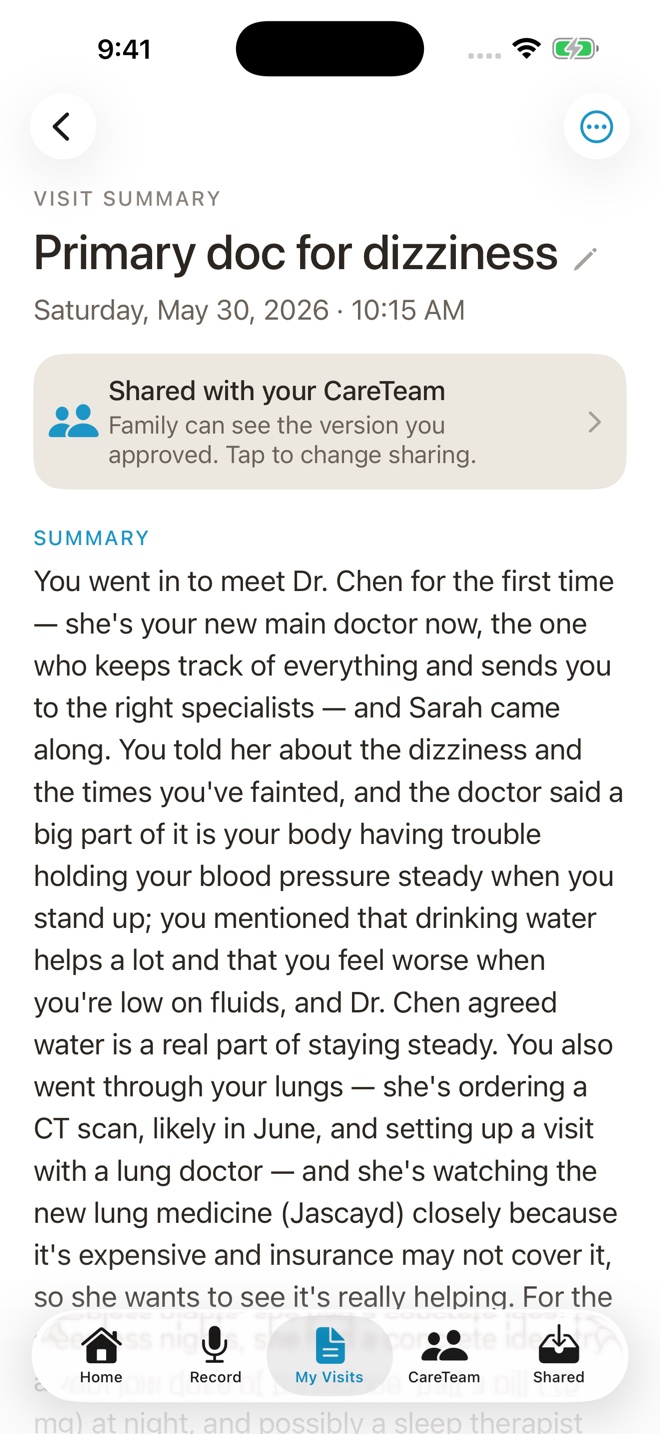
Your plain-language summary makes the important details easier to return to after the visit.
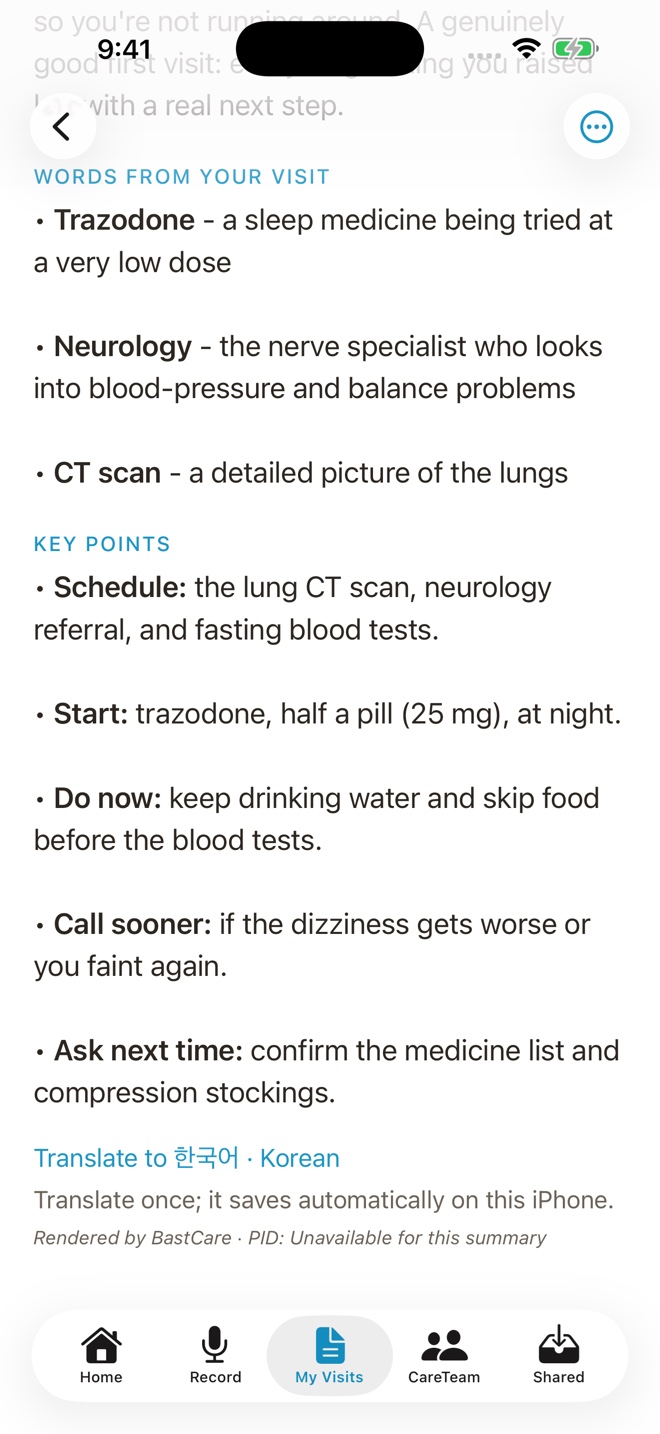
Translate a saved summary into English, Korean, Simplified Chinese, Vietnamese, Colombian Spanish, Albanian, or German.
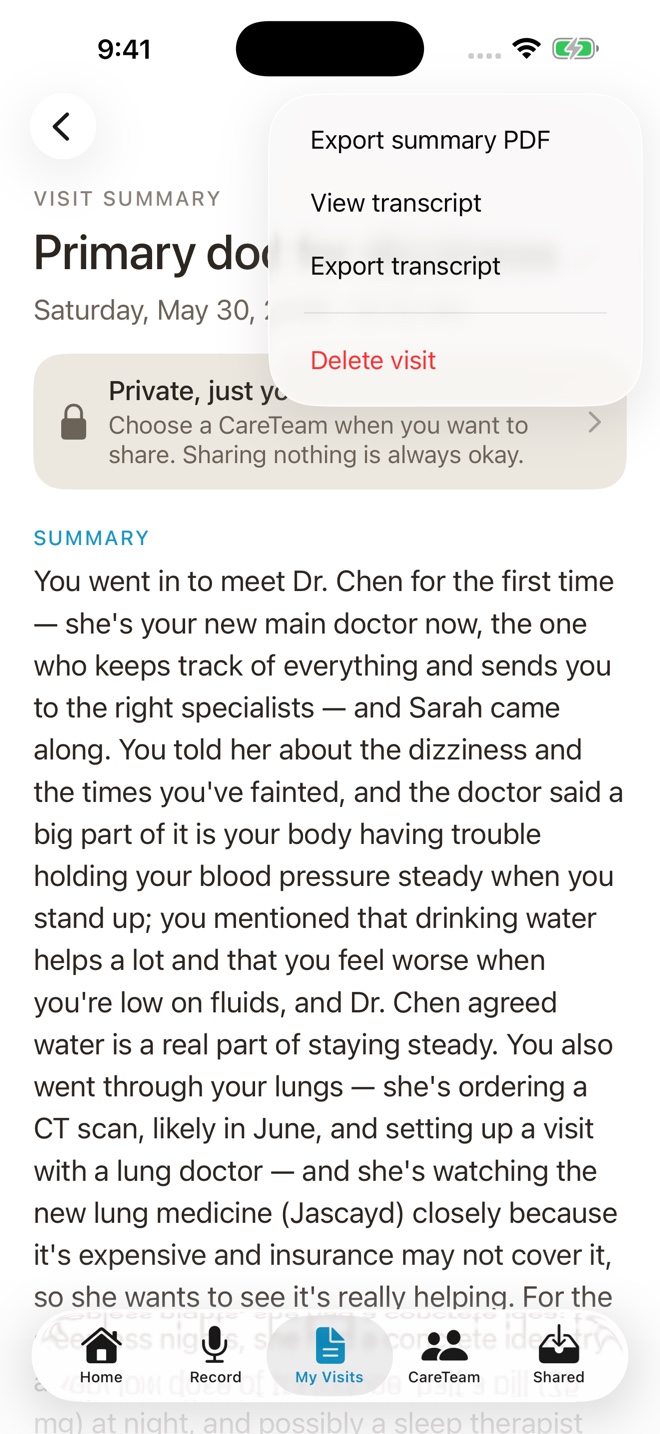
View or export the original transcript when you need the source alongside the summary.
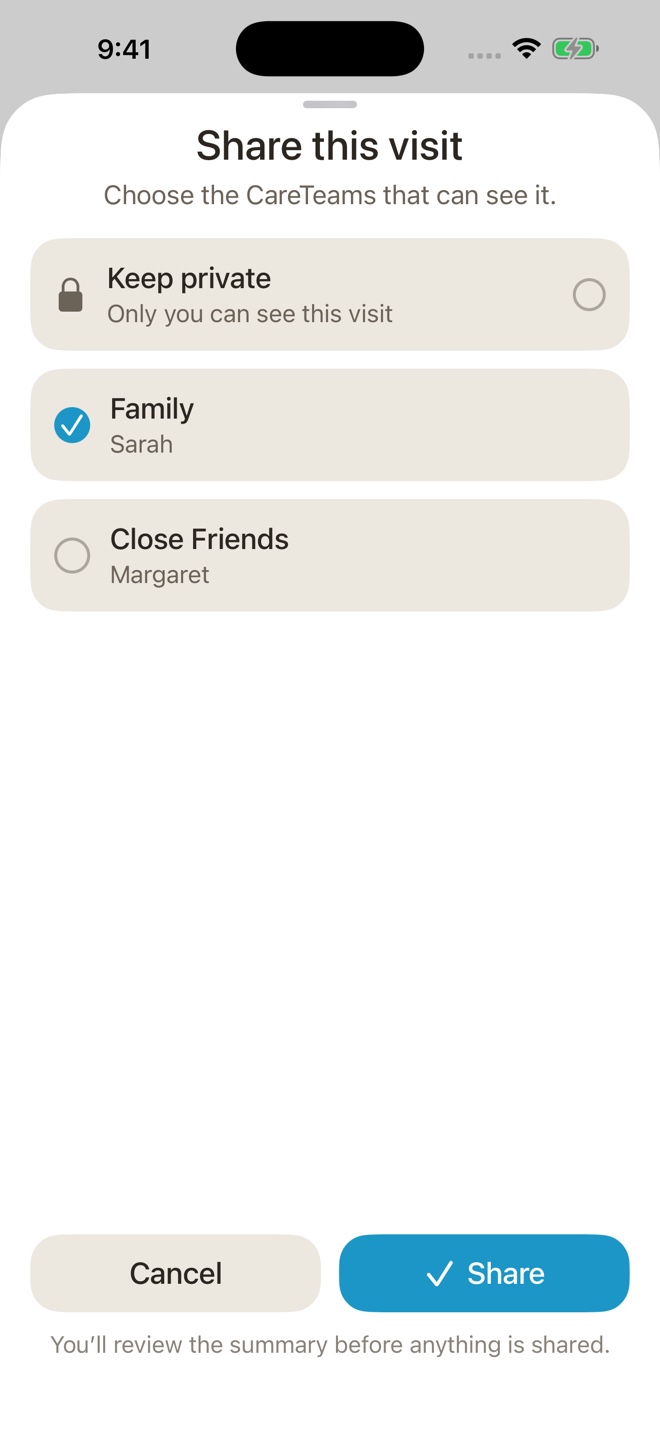
Select the CareTeam and the version of the summary you want to share. Keeping it private is always valid.
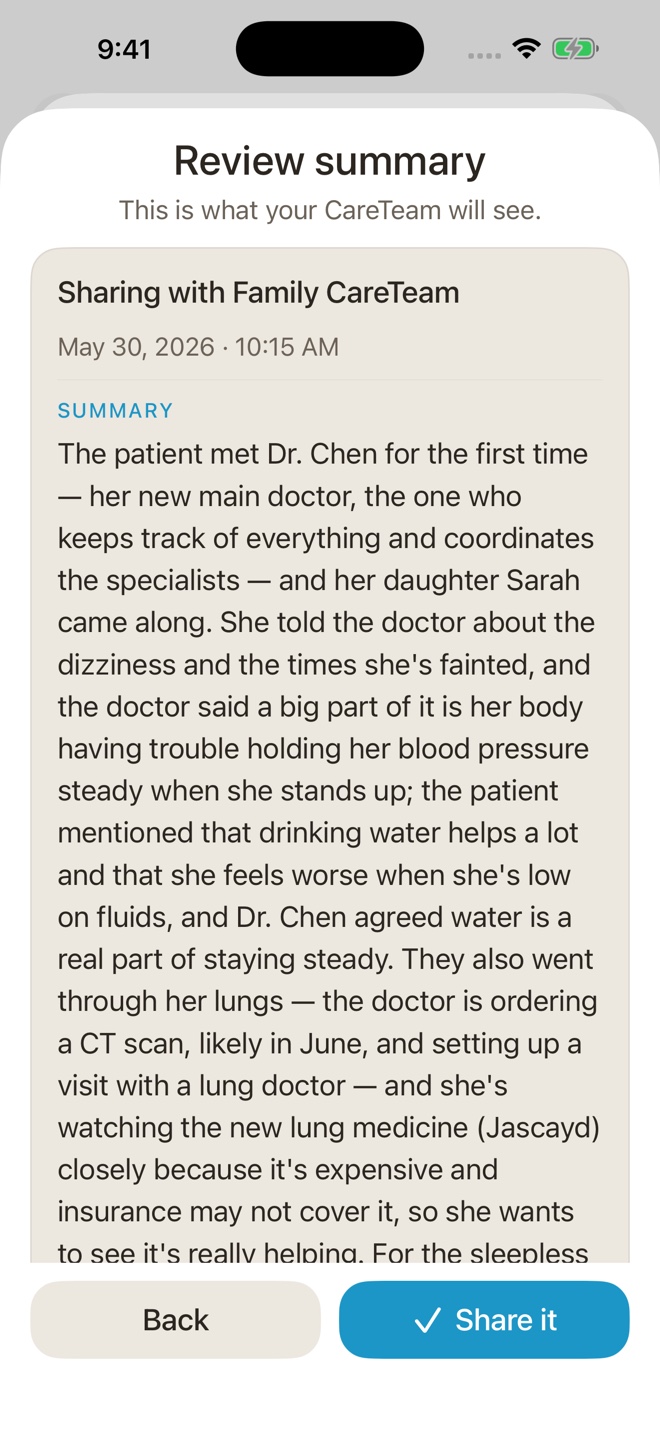
See exactly what your CareTeam will receive before you share the summary.
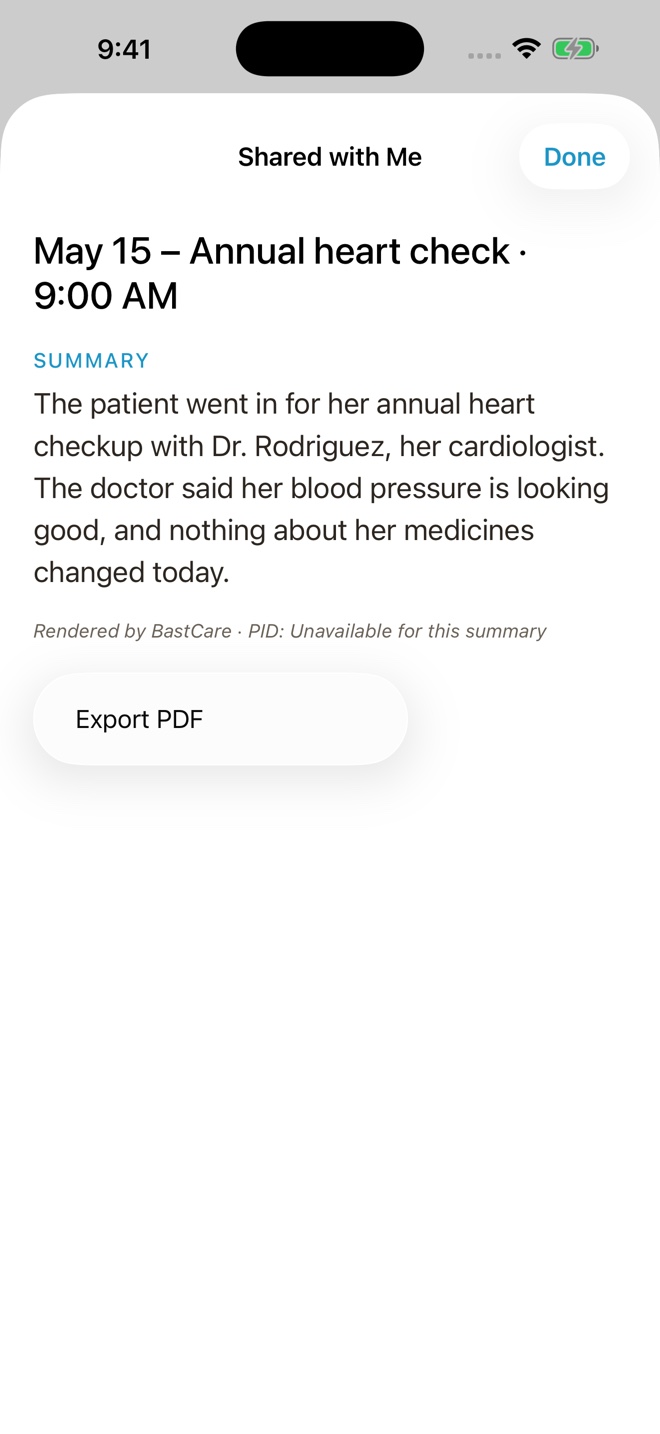
Shared keeps CareTeam visits in one clear place, with the language chosen for that share preserved.
Screens show fictional demonstration names and visit information. BastCare is not medical advice.
Make the next summary yours. BastCare is free to download.
Download BastCareFrom an Australian family
“Keeping abreast of my Australian mother-in-law’s medical condition from America has been a step-change improvement. The clarity and simplicity of the updates have reduced our stress and frustration immensely.”
Verified Australian App Store review5 stars
Loved on the App Store
Reviews shown are from the U.S. App Store and approved before publishing.
“This is a very, very clever way to use AI in order to keep track of what armies of doctors may be saying around…”
“In a world full of AI obscurity, I appreciate that BastCare leads with transparency and privacy, especially when it comes to my healthcare data”
“I’m using this to share notes between my wife and myself for when we take our kids in.”
“This app makes all the difference. When my siblings and I got information from Mom about her appointments, it was only as good as…”
“Loved the ease and accuracy to help capture the conversation with my parents and their doctors!”
Every successful summary moves this number. No transcript text is included.
Free to download on iPhone
BastCare asks for consent before recording. Keep the summary, and decide whether to share.
Built for privacy
BastCare asks for consent before recording. You receive a plain-language summary. Audio stays on your iPhone until your summary is saved, then BastCare deletes it.
When you request a summary, BastCare masks configured names in a separate copy of your transcript and sends it securely through Bast to an AI provider for processing.
Bast’s servers do not save or log the transcript text used for this processing. Your saved transcript, summary, and available information about how the summary was made stay on your phone.
Translation also sends text for AI processing, with configured names masked. You can find the services we use in our AI providers list.
We do not sell your data.
Private by choice
Your summary stays private on your iPhone unless you choose to share it. From My Visits, review the summary, select a CareTeam, and stop sharing later.
BastCare asks for consent before recording.
The transcript stays on your iPhone. Use it to regenerate the summary, then choose whether to replace the one you have.
Preview every share and revoke access from My Visits.
Research
Published studies on explainable AI, caregiving, and who pays for caregiver support. Five findings are on the page, with the source and the caveat beside each number. The full library opens after you confirm your email.
An organization and communication tool
BastCare does not provide medical advice or diagnose, treat, monitor, predict, or recommend care. Confirm medical questions with a qualified health professional. Do not use BastCare for emergencies.